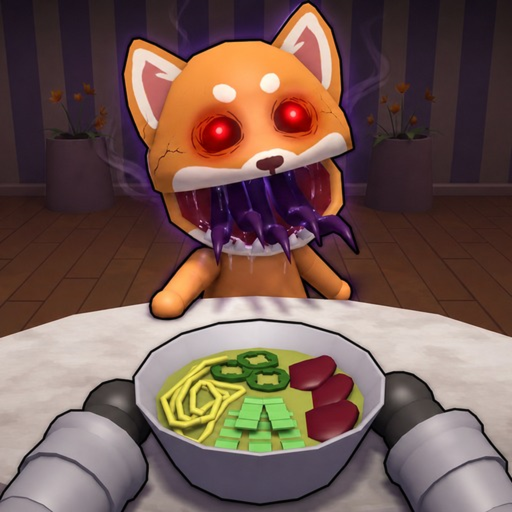
Quick answer
Target the next official count: 1, 10, 25, 50, 75, 100, 250, or 500.
Use the ordered checklist below and leave a field unknown when the official game pages do not explain it.
The official Roblox badge list confirms eight Perfect Dish counts. This checklist helps you choose the next target and record progress while leaving the scoring rule and rewards unknown.
Use the ordered checklist below and leave a field unknown when the official game pages do not explain it.
These steps organize official goal conditions into a practical routine. They do not read Roblox account progress.
Check the official sequence and pick the first number above your own confirmed badge progress. A new player begins with 1; later targets are 10, 25, 50, 75, 100, 250, and 500.
Tip: Use one target per session so ordinary dishes are not mistaken for badge progress.
Cook orders before guest patience expires and serve customers as the official game description instructs. Do not assume speed alone creates a Perfect Dish; the public rule remains unknown.
After the shift, check your Roblox badge progress or newly awarded badge. This page cannot inspect your account, so only Roblox can confirm that a dish counted.
Mark your last confirmed milestone and the date in your own notes. Return to the same target until Roblox confirms it, then move to the next official count.
If the experience changes or a dish stops counting, inspect the official game and badge pages. A Roblox updated timestamp does not by itself explain a rule change.
The numbers are badge thresholds only. They do not reveal ingredients, timing, or scoring.
Confirm ownership and progress inside Roblox; this independent guide has no account access.
The similarly named mobile title is unrelated to this Roblox experience.
The official counts are 1, 10, 25, 50, 75, 100, 250, and 500.
The exact scoring condition is not publicly verified in the checked official game information.
No. It is a manual checklist and does not connect to your Roblox account.
No reward amount is claimed because the verified badge information only supports the milestone conditions.
Track official shift and team milestones.
Review the service and anomaly loop.
See the exact official pages checked.
Return to the home hub behind these guides.
Choose a different player task or checklist.